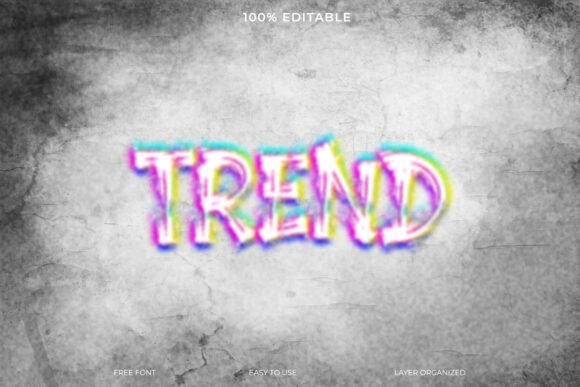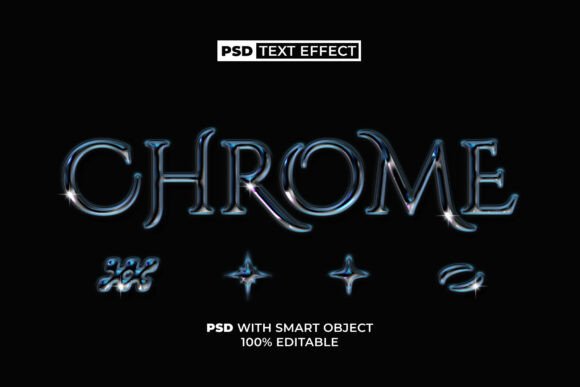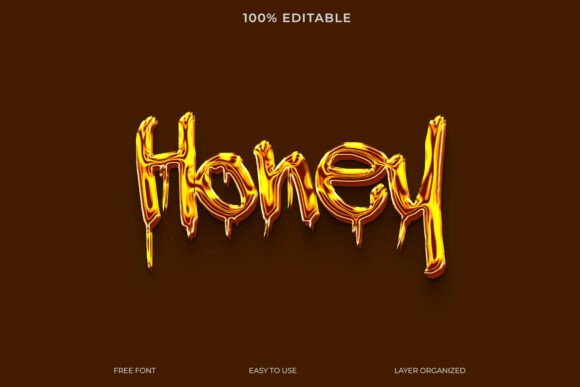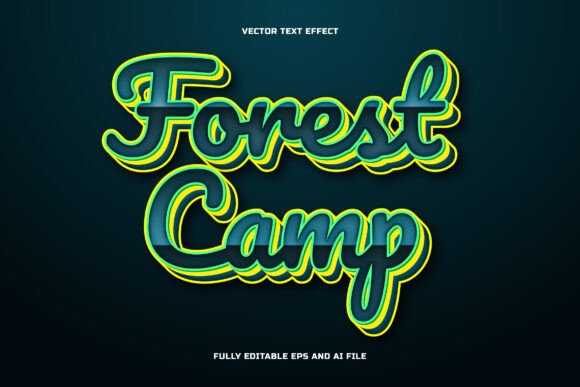
Ink Bleed Text Effect Template Guide
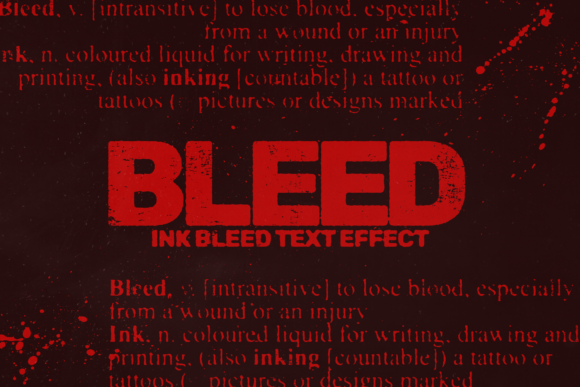
Elevating your typography from standard digital type to something with tactile, organic character can instantly transform the perceived value of a creative project. The Ink Bleed Text Effect Template offers a streamlined solution for designers seeking authentic, editable ink dispersion without the tedious manual masking often required in graphic design workflows. This versatile Photoshop resource allows you to apply realistic ink bleed textures to any text layer, bridging the gap between clean digital aesthetics and traditional print imperfections. By integrating this effect into your design workflow, you add immediate depth and personality to visual communications, ensuring your typography feels handcrafted rather than generated.
The Role of Texture in Modern Visual Design
In an era dominated by flat design and minimalist interfaces, introducing organic texture is a powerful way to capture attention and establish emotional resonance. Authentic ink bleed effects suggest craftsmanship, heritage, and artistic intention, which are crucial elements in strengthening brand identity. When used correctly, these textures improve user engagement by breaking up monotonous visual patterns and creating a focal point within the composition. Whether you are working on editorial design or digital marketing assets, the ability to quickly apply high-quality distress effects ensures your work stands out while maintaining professional presentation standards.
Key Technical Specifications
To ensure compatibility across various media, from large-format print to web graphics, technical quality is non-negotiable. This template is engineered for versatility:
- High Resolution: 6000x4000px at 300DPI supports large-scale printing and detailed cropping.
- Color Flexibility: Includes 10 preset colors to match existing color palettes or brand guidelines instantly.
- Texture Variety: Features two distinct bleed types plus integrated paper and dust textures for layered realism.
- Typography Ready: Utilizes the free Google Font Rubik, ensuring accessibility and easy customization.
Practical Applications Across Creative Projects
The utility of an ink bleed effect extends far beyond simple decoration. It serves specific functional roles across different design disciplines. In branding and logo design, subtle bleeding can soften rigid geometric forms, making a corporate identity feel more approachable and human. For packaging design, this effect mimics traditional letterpress or screen printing techniques, adding premium value to product labels and boxes without the cost of specialty printing.
Digital marketers and social media managers benefit significantly from this asset as well. In crowded feeds, textured typography creates necessary visual hierarchy, guiding the viewer’s eye to key messages or calls to action. Similarly, in web design and UI projects, using ink bleed for hero headers or special announcements adds a layer of modern aesthetics that contrasts beautifully with clean interface elements. Editorial layouts also gain from this treatment, particularly in magazines or zines where the interplay between text and paper texture reinforces the publication's artistic voice.
Best Practices for Implementation
While the template simplifies the creation process, thoughtful application is what separates amateur work from professional design. Always prioritize readability; heavy ink bleed can obscure letterforms, so reserve intense effects for large display type rather than body copy. Consider the background context carefully—the included paper and dust textures work best when they complement, rather than clash with, your overall composition. Scalability is another factor; test your effect at various sizes to ensure the texture remains visible on mobile screens but doesn't look pixelated on large displays.
Consistency within your visual system is equally important. If you adopt an ink bleed style for a campaign, apply it uniformly across all touchpoints to maintain cohesive brand identity. Adjust the opacity and blending modes within Photoshop to fine-tune the intensity, ensuring the effect enhances the message rather than overwhelming it. Remember that negative space is just as important as the textured type itself; allow the design to breathe so the organic edges of the ink have room to be appreciated.
Ultimately, tools like the Ink Bleed Text Effect Template are most valuable when they serve a clear communicative purpose. Quality creative assets should not only improve aesthetics but also facilitate faster iteration and higher output quality. By leveraging professional-grade resources that balance artistic flair with technical precision, designers can focus less on pixel-pushing and more on crafting meaningful visual experiences that resonate with their audience and elevate their creative portfolio.